My agentic engineering workflow has changed in the recent past. The models are better, and there is much more freedom in choosing the harness, abilities, and actions you provide.
Table of contents:
I’ll walk you through each of the phases in this workflow which I follow to build my side projects (as of June 1, 2026). It has evolved from IDE chat, to CLI coding agents, to now “slice-driven product development”.. so let’s get right into it..
Pre-planning, pre-idea, pre-everything
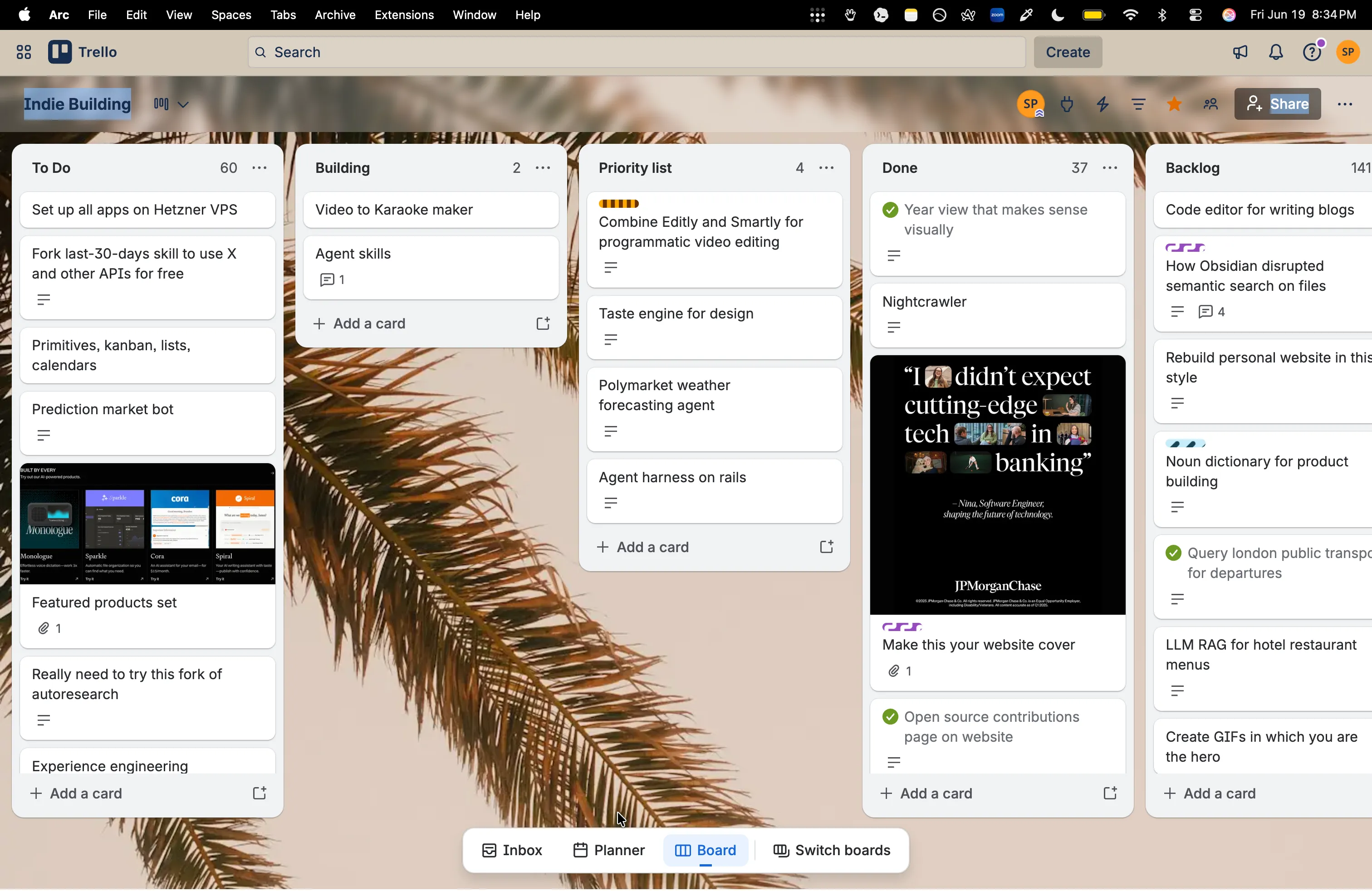
To curate the list of ideas I have in the pipeline, I use Trello for a simple kanban board. There are many other tools you could use for a simple, organized list of items, even a TODO list app would suffice. However, I’ve particularly liked Trello for this purpose because it also allows you to add a nice little thumbnail for each idea. Usually, an idea comes to me all of a sudden, out of nowhere. In this fleeting moment, I try my best to capture it as accurately as possible, as if I were feeling it in my veins. So, a picture along with a one-line description helps me capture this fleeting thought..
Trello mobile experience is also nice, and I mostly capture them while on-the-go.
My only heuristic for picking my next side project here would be to go with something I’m most excited with. I have a crematory of 100s of abandoned side projects, and I don’t want to add another one to this ever growing list of dead projects that don’t bite. I would at least want to ship what I start, and for that, the fuel here is motivation. You feel it in the gut, and you want it to guide what you should do next.
The first chat with the agents
Usually, when you capture an idea or thought, it might be in a very urgent mode and you wouldn’t go into the weeds of how this might be envisioned. So to explore what this could mean, I start having a chat with the agents. I usually feel more comfortable doing this on mobile, so I pick this up on ChatGPT. One other reason I’ve been tied into the OpenAI ecosystem is the additional benefit I get from the $20/month subscription package. I get to also use this for leveraging GPT-Codex via Opencode. More on the agentic coding setup later, but I just wanted to mention this right away, as I see great benefits in tying into the ecosystem offered by OpenAI.
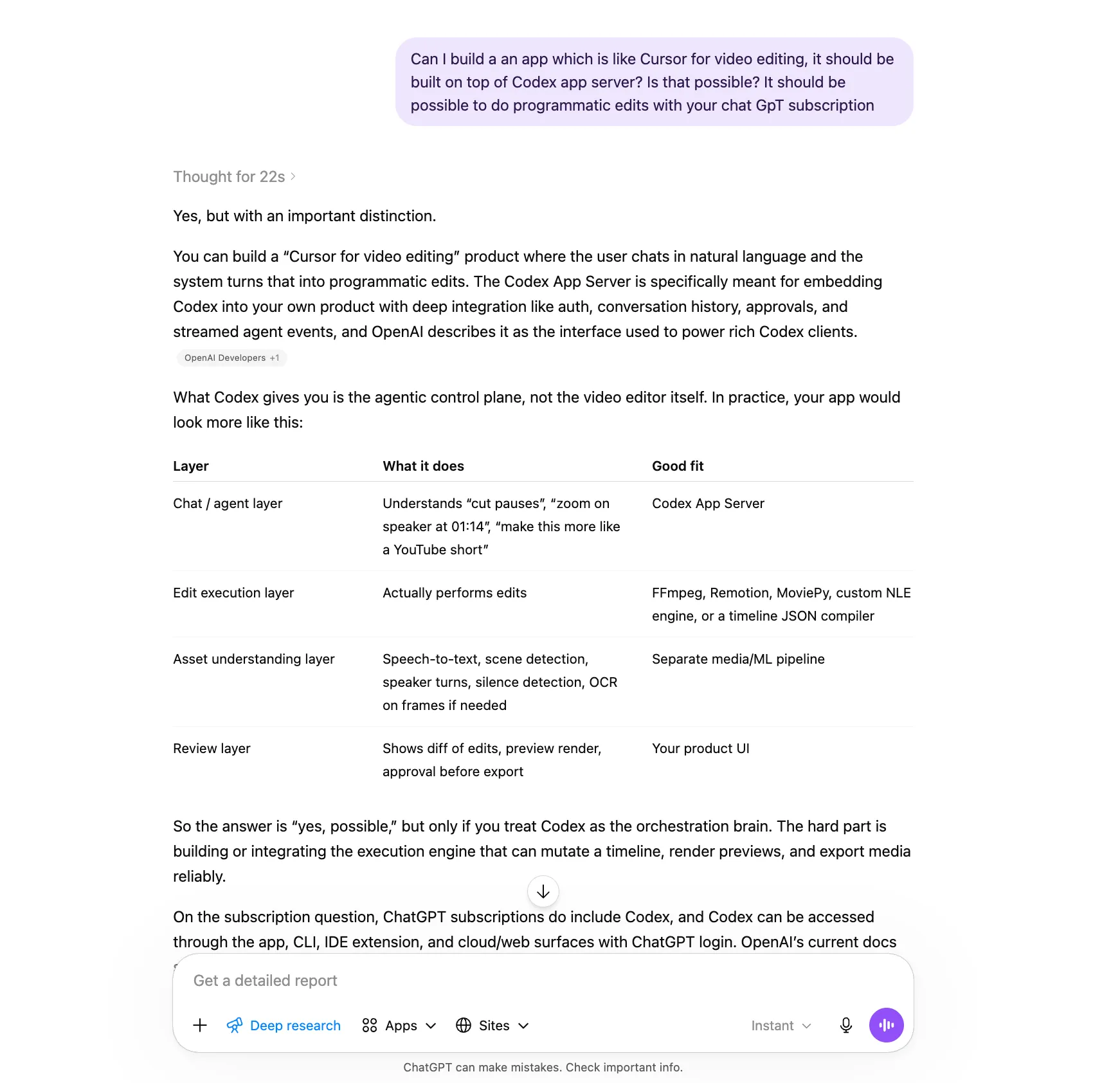
Another reason I use ChatGPT is, interestingly, its default typographic choices. Look at Claude, and the mess they’ve made with their default choices. Anthropic folks have used and abused the serif fonts, and their defaults have slowly trickled down to the way everyone vibe codes and makes their half-cooked apps. It’s a mess, and I want to stay away from it.
Another important reason for going with ChatGPT is in its ability to do OAuth with any of the self-learning, persistent memory agents such as Openclaw or Hermes. This allows any user already with a ChatGPT subscription to connect directly with Openclaw, instead of having to buy additional API credits.
While having this on-the-go chat with the agents, I might also end up in a deep-research rabbit hole. An example from the recent past was when I tried to find open source repositories on GitHub for creating music karaoke tracks for my father-in-law, who is practicing to be a singer more recently. I was itching to build a custom solution for his needs, but then, I wanted to double-confirm if there are any ready-made solutions available right off-the-shelf on GitHub which I could fork. (and it just turns out that there was an off-the-shelf solution, so I didn’t have to reinvent the wheel)
So I ask ChatGPT on the Deep Research mode to provide me a list of well-maintained repositories which do the whole thing, or a ‘part’ of the pipeline, really well.
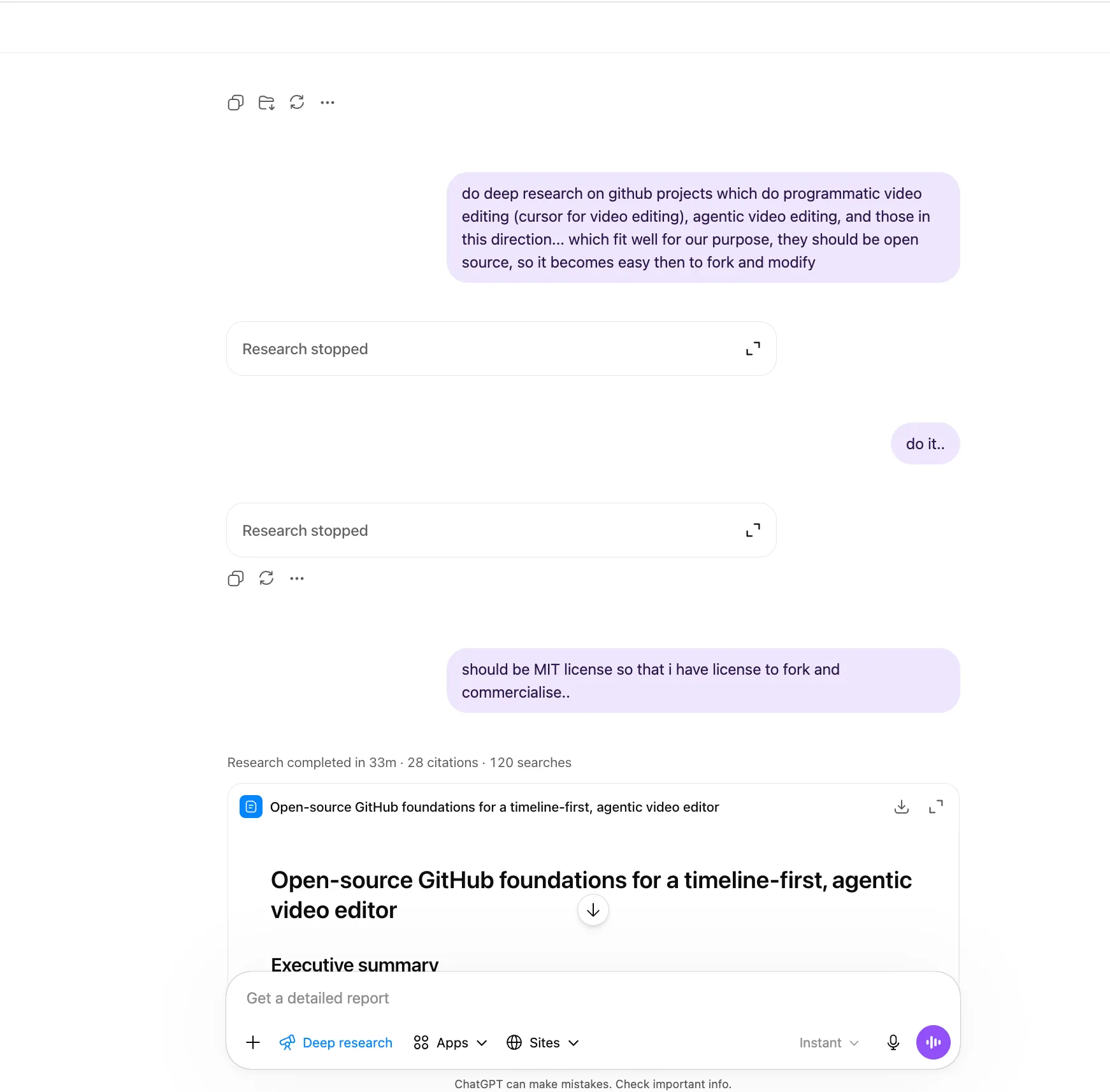
^^ Early explorative conversations done on ChatGPT.
I have noticed that I get better results this way, rather than just trying to piece together a curated list of repos by searching through GitHub manually. While doing forking and modifying, I also try to ensure I have the right licenses to do so.
Having more Socratic dialogues
I have also noticed that this type of search works better than a mere LLM search. I also instruct the agents to “steelman” or “strawman” the concept to identify the fault-lines, or even to cultivate an opinion sometimes.
All software engineering is ultimately tradeoffs, and there exists no perfect solution without tradeoffs, so this line of reasoning helps shape an opinion on what the product should do (without having to do everything under the sun)
Once, GPT presented this list in a table format. (Make sure to provide custom instructions to always use comparison tables wherever necessary.) I began visualizing the concept in my mind, keeping the architecture in mind. Sometimes, I say, “Help me visualize the end-to-end pipeline in ASCII, including the components and libraries we’re using.” At this stage, it’s crucial to hold the complete concept in our minds without drifting away. All these conversations and visualizations help shape our vision. And with these simple ASCII diagrams, the simple act of arrows pointing to each other can help us conceptualize better.
At this stage, all of the chat threads are still on ChatGPT, and I haven’t even opened my laptop yet. All this is on mobile. And when I finally find satisfaction with the chat outputs, I would then do a ‘handoff’ to do some serious work with the foundation already set by my chat. For this handoff, I would try to synthesize the conversation into either a spec .md file, just to see if what I understood and what the agents have understood are the same. I’m looking here for mind-AI convergence here, nothing else. And in case there is some drift, I still have a way to make sure there aren’t any gaps.
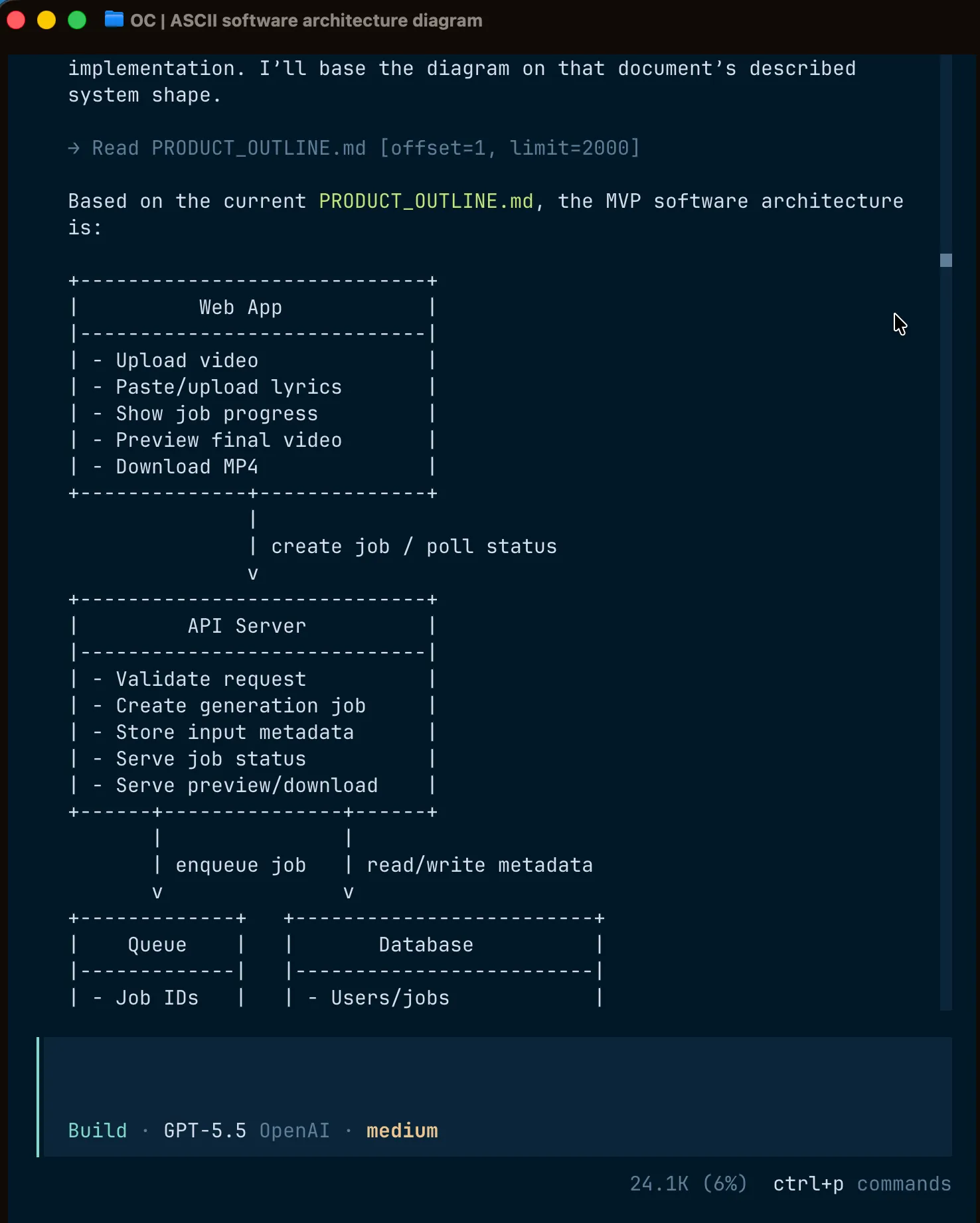
The first chat on the terminal
Now that we have something to work with, we start our first chat on the terminal. I primarily use Ghostty as my default terminal application. Surprisingly Ghostty is faster than the native terminal offered on Mac, and I haven’t looked back.
Why use the CLI over a code editor? Because, the job becomes more of pointing the agents at the right location in the codebase, rather than writing code. We’re in the era of CHOP - Chat-oriented programming.
Apart from the speed benefits, it also provides a similar interface as that of Google Chrome: Just like you open multiple tabs on Google Chrome, you can also open multiple chats with agents on Ghostty, and the interface helps a lot to have multiple conversations with the agents. Just to maintain sanity, I keep one project for each tab, and open multiple panes/agents under that tab for that specific project. In that way, I could streamline my chats with multiple agents working, across multiple projects. I’ve tried going this route and have got a dopamine hit from the code throughput, but have realized that it’s much more important to hold an ‘entire problem in your head’ from start to finish. So I’ve let go of context switching, and have embraced FOCUS.
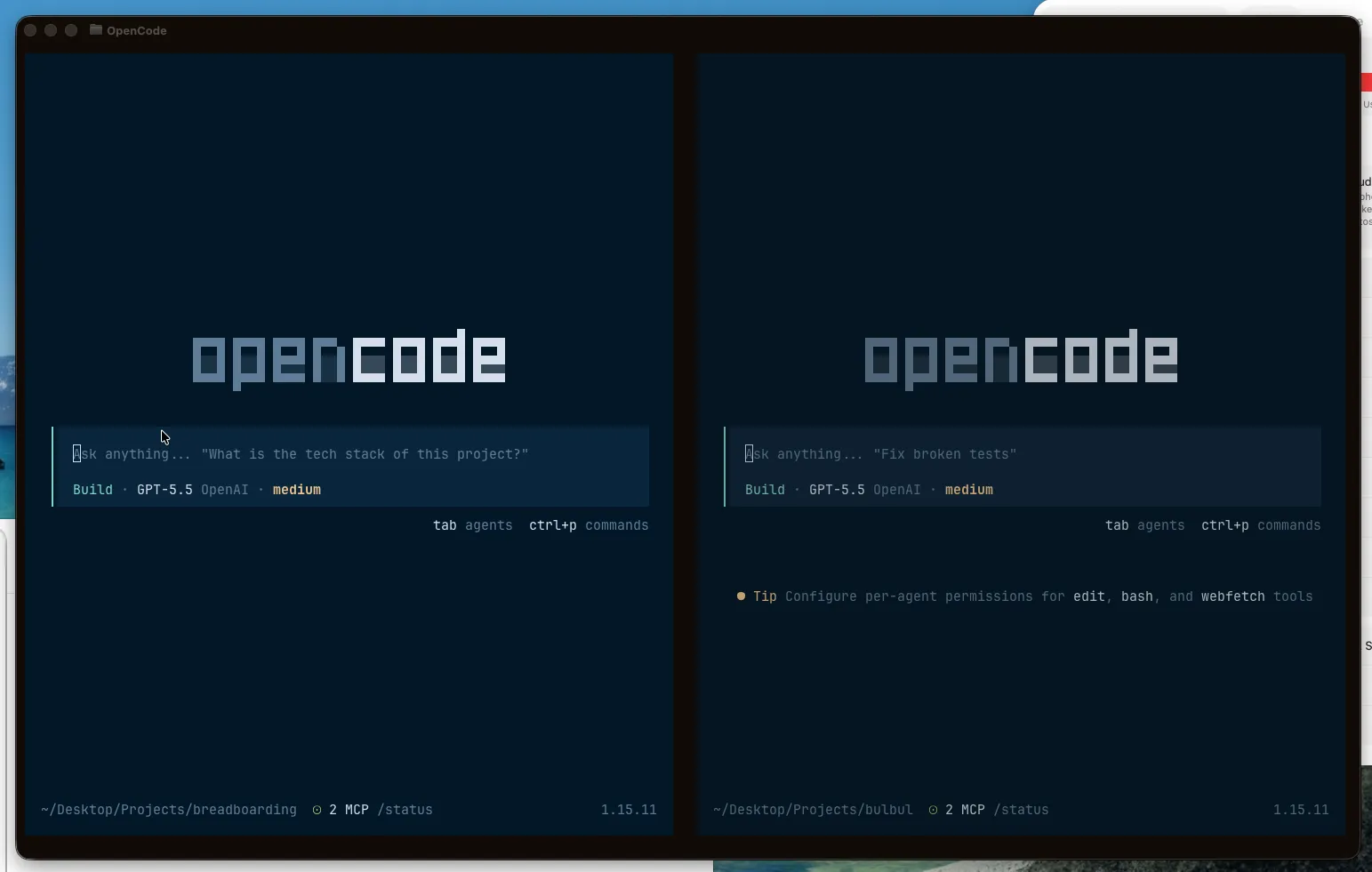
^^ I’m usually opening multiple Opencode conversations via Ghostty.
With Ghostty as the terminal application, I use Opencode as the TUI app for chatting with the agents directly. Think of it as a more hackable, model-agnostic alternative to tools like Claude Code, Codex CLI, Cursor Agent, or Gemini CLI.
I’ve also heard that Pi agent is even more hackable than Opencode, but Opencode strikes a good balance in my view. Pi can even manipulate its own installation, and emits events for everything, making it easier to build reactive UIs on top of it. (With Opencode, you could still do various customizations by means of Opencode plugins).
Setting up the Opencode environment
The default Opencode application itself helps you do most of what you need. These are the skills I use with Opencode:
| Skill | Purpose |
|---|
build-cli | Design or improve agent-friendly and human-friendly CLIs. |
copy-ads | Create paid ad copy variants for channels like Google, Meta, LinkedIn, X, and TikTok. |
copy-marketing | Write persuasive website, landing page, headline, CTA, and value prop copy. |
copy-release-notes | Generate user-facing release notes and changelogs from shipped work. |
customize-opencode | Edit or create opencode configuration, agents, skills, plugins, MCP servers, or permissions. |
frontend-advanced | Build technically ambitious frontend experiences such as shaders, virtual tables, spring physics, and scroll effects. |
frontend-performance | Improve frontend loading speed, rendering, animation, images, and bundle performance. |
frontend-remotion | Apply best practices for Remotion video creation in React. |
frontend-slides | Build animated HTML presentations or convert PowerPoint decks into web slides. |
meta-design-setup | Set up persistent design context and guidelines for a project. |
meta-find-skills | Help discover and install additional agent skills. |
meta-thinking | Act as a structured thinking partner for decisions, tradeoffs, mental models, and stress testing ideas. |
product-breadboard-review | Review an existing breadboard against implementation and surface wiring/design drift. |
product-breadboarding | Map workflows into product affordances, code affordances, stores, and wiring. |
product-framing | Turn transcripts or interview notes into structured product framing documents. |
product-kickoff | Convert kickoff transcripts into builder-facing implementation reference docs. |
product-naming | Brainstorm five memorable product names with rationale. |
product-shaping | Collaboratively shape a product or feature before implementation. |
product-vision | Create inspiring product vision statements and alignment narratives. |
research-bluesky | Deep research using docs, web, and codebase before planning. |
research-deep | Thorough evidence-backed research across code, docs, and web. |
research-last30 | Recency-focused research across many sources from the last 30 days. |
research-light | Targeted lightweight research before planning or implementation. |
tool-browser | Automate browser tasks like navigation, screenshots, forms, scraping, and web app testing. |
ux-clarity | Improve interface microcopy such as labels, buttons, helper text, errors, and empty states. |
ux-onboarding | Design or improve onboarding, activation, setup, and first-run flows. |
ux-resilience | Make interfaces robust against errors, edge cases, i18n, overflow, and production issues. |
You could download my total list of skills here: https://github.com/shreyas-makes/agent-skills
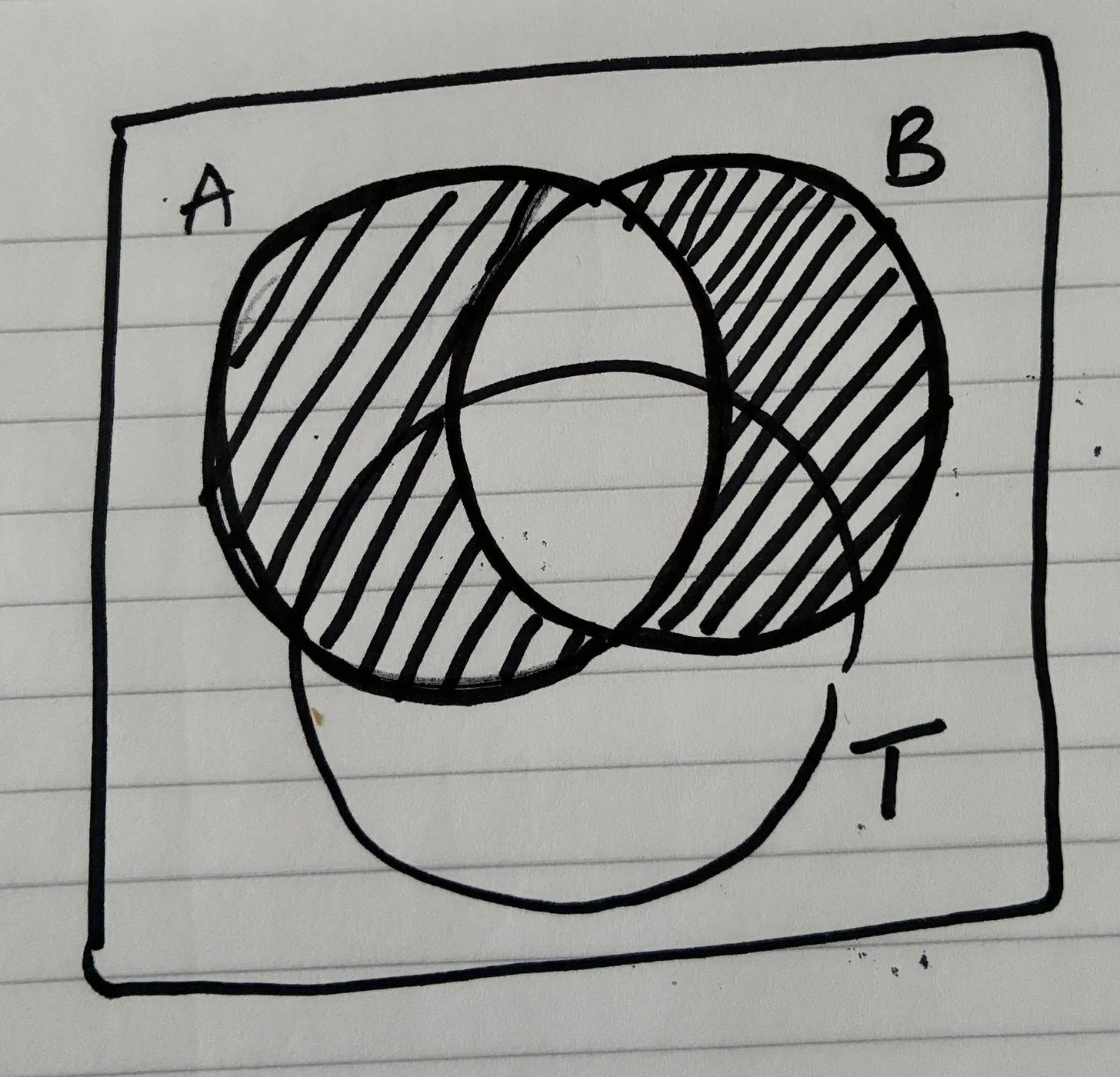
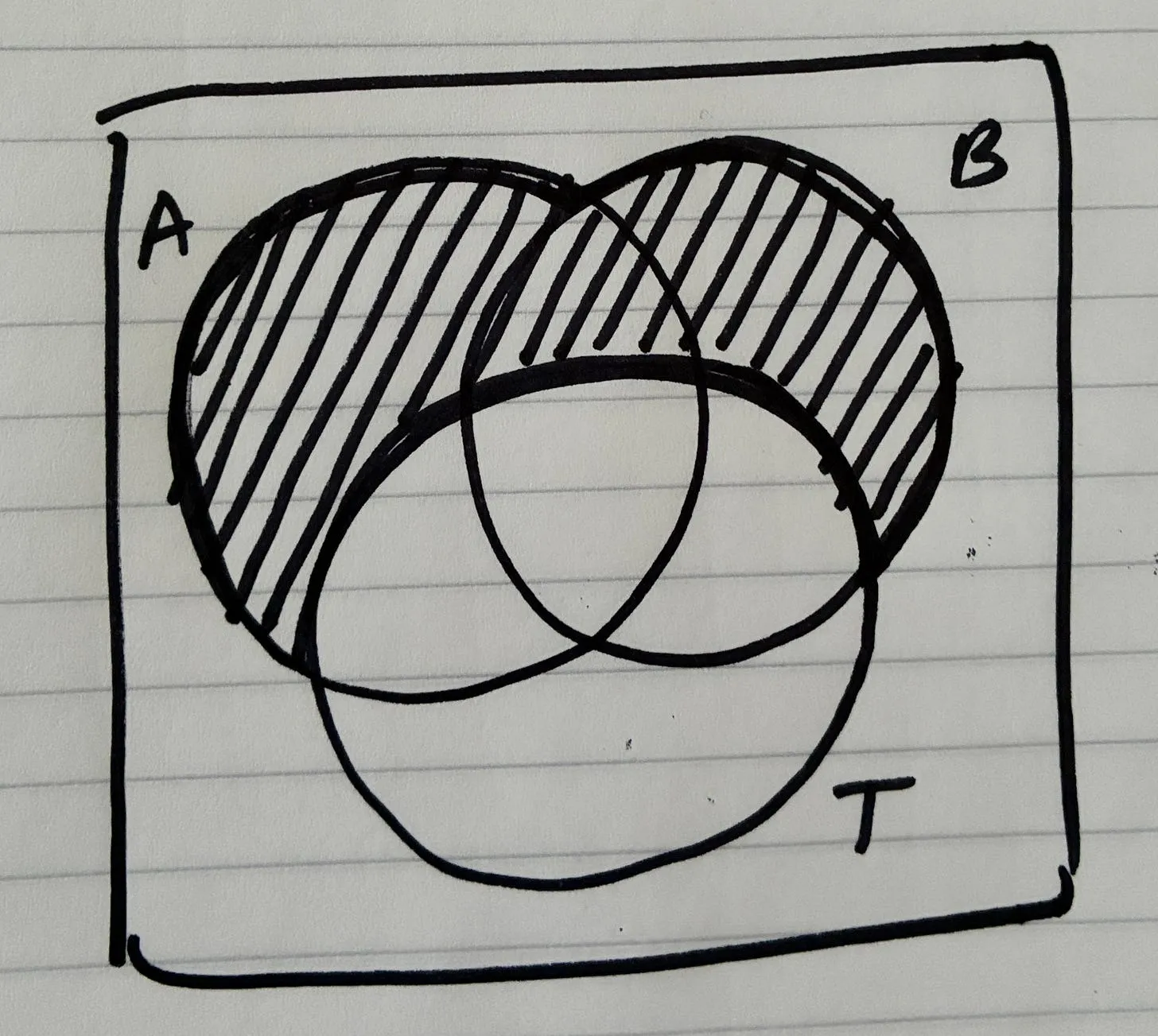
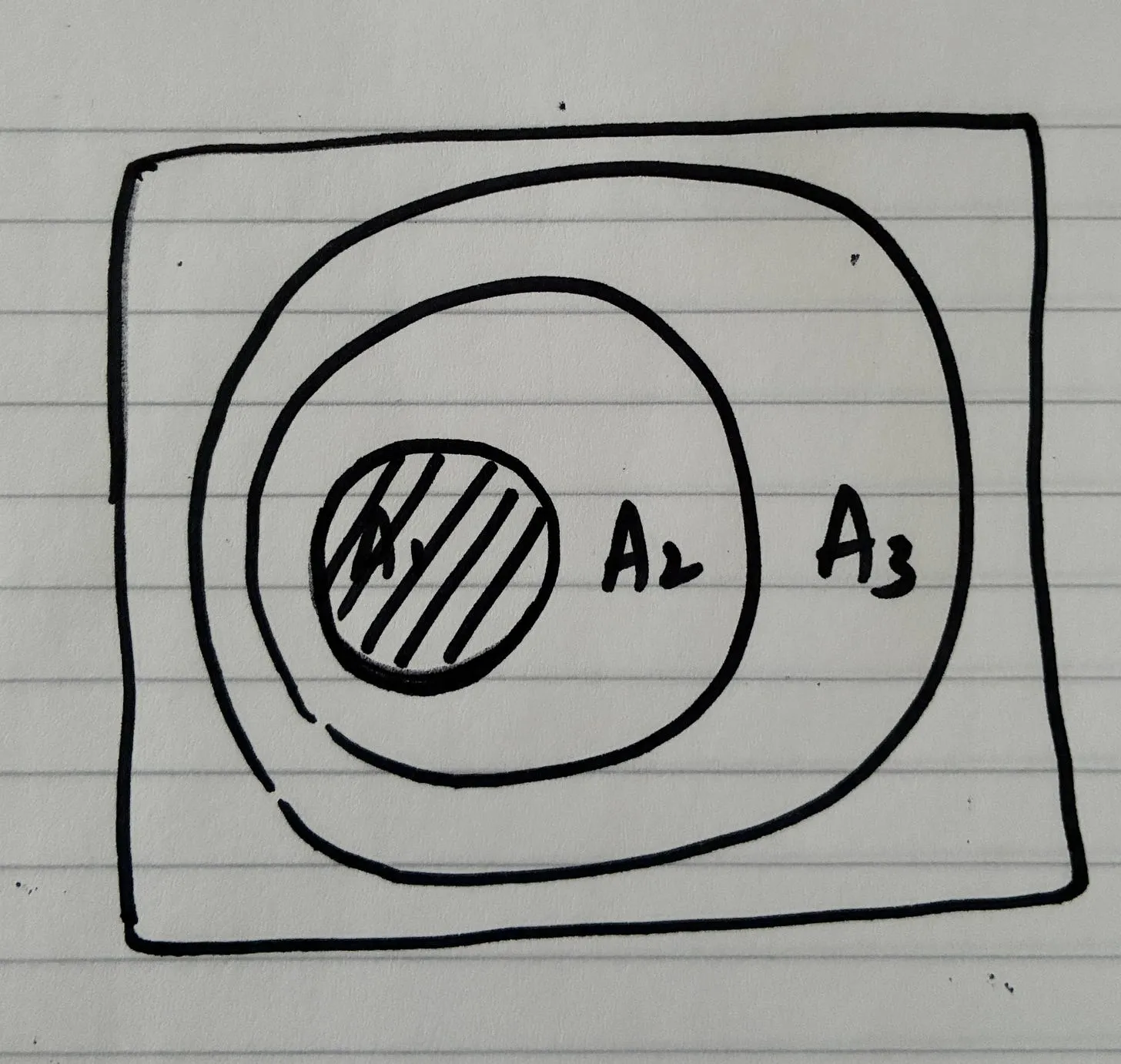
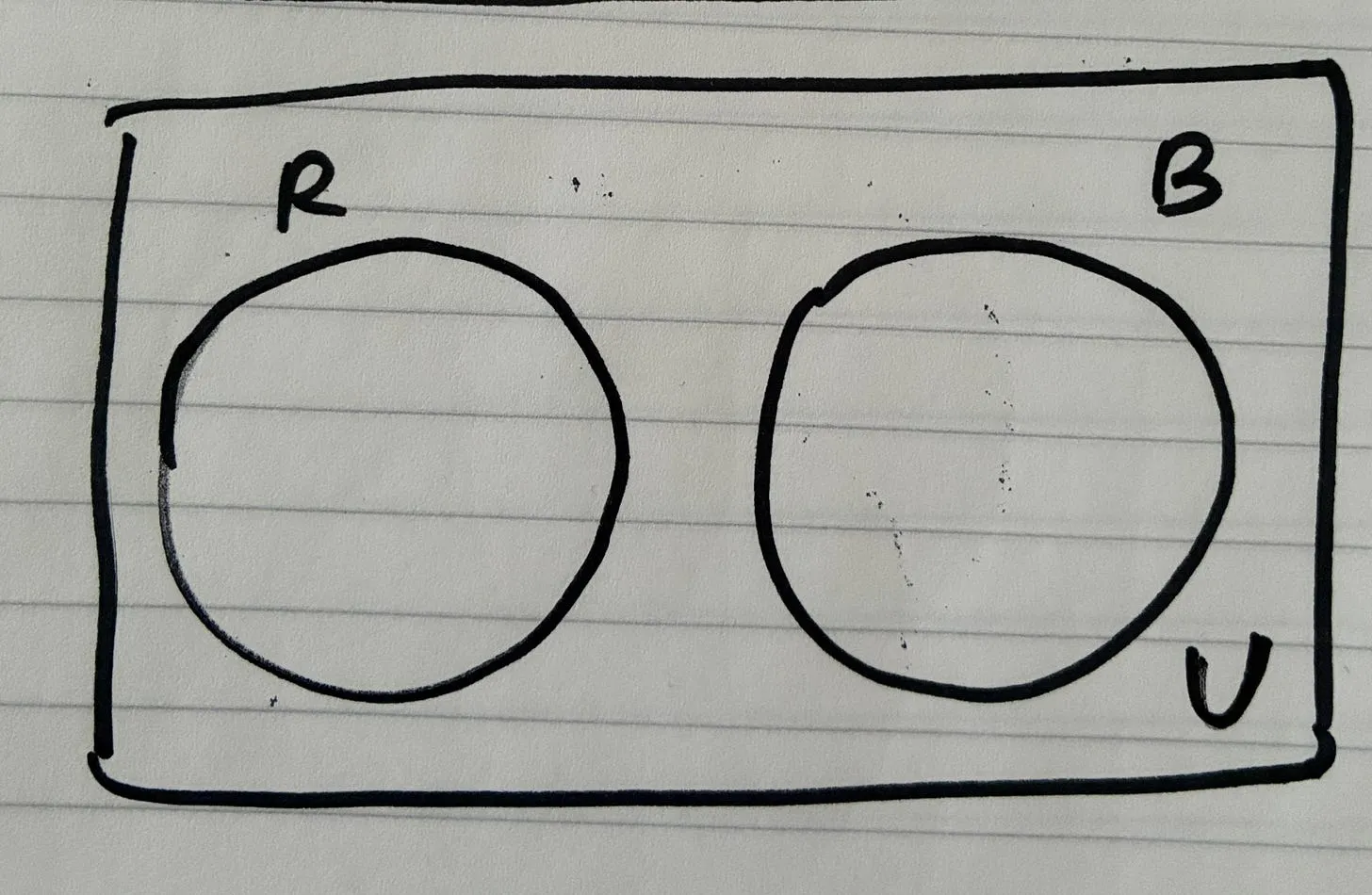
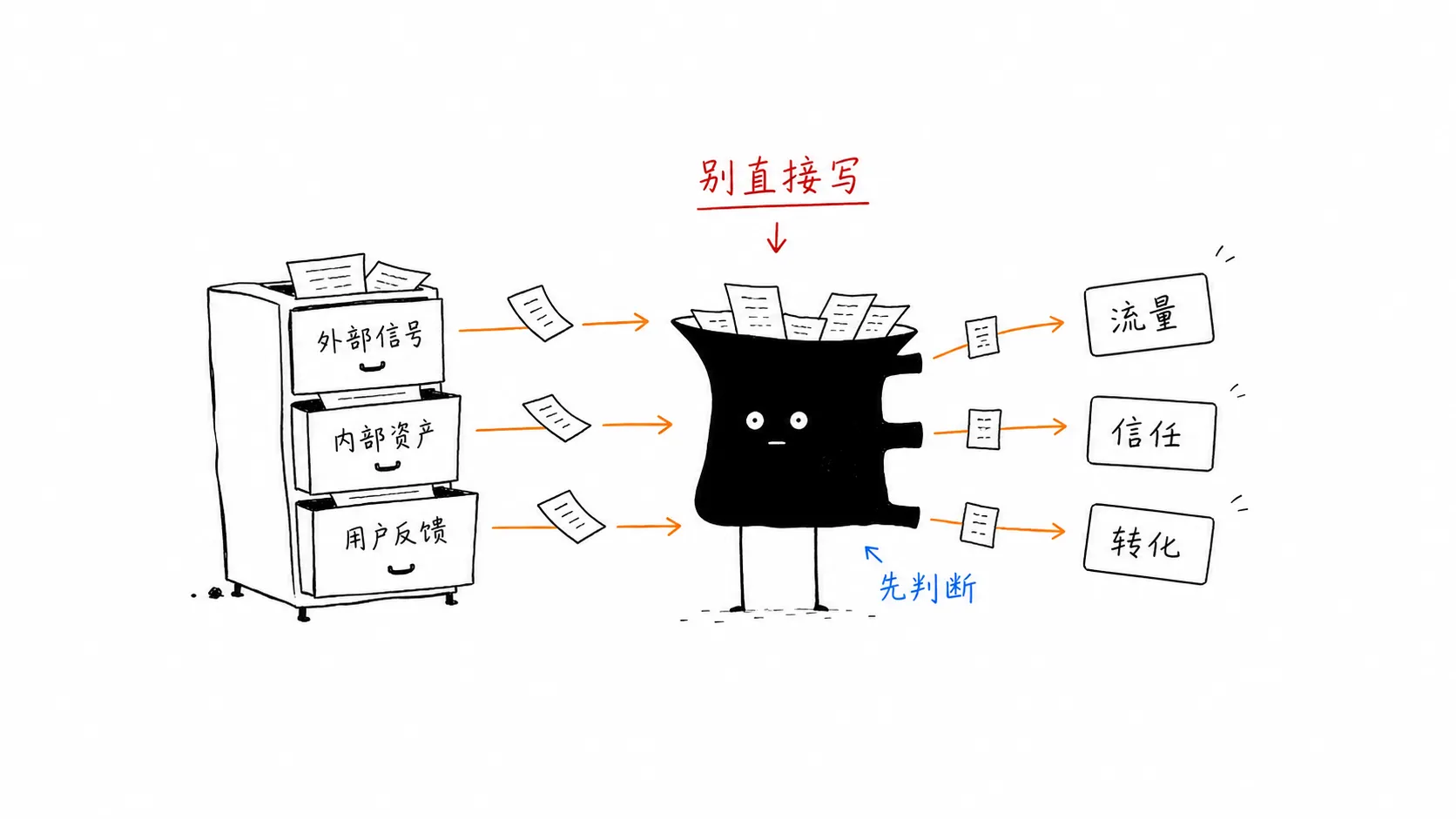
As you can see here, more broadly the list of skills are more focused on UX, research, copywriting, performance and browser-automation testing. I see skills being created and updated as a dynamic ongoing process that needs to be reflected upon every now and then. It would look something like this diagram here: if it’s a process that has been repeated more than 5 times, then definitely create this as a skill.
In the first wave of adoption to agentic coding, we saw a lot of impetus given to designing the right prompt.

In the old era, this would have been quite a useful technique to get a lot more sauce from the models, but in the new way, where the agents have caught up with intelligence, we don’t require any such sorcery.
Prompt engineering is just English grammar in my view, and even if you’re rambling incoherently (making sense sometimes), they are still OK.
Doing light research, deep research
For complex tasks, you might want to research, walk through the planned sequence of steps, and then execute. Sometimes you might need to do all three, and might straightaway jump to execute too, that’s fine too. Especially on the “research” step, I might do a light-research that’s not too rigorous, and a more extensive “deep research” that scrapes every last bit of information arbitrage from the internet..
If I have to do more ‘light-research’ inline while using the terminal, I use the light-research skill popularized by Josh Pigford..
If I’m looking for more “hot” research, especially the word-of-mouth from the zeitgeist, especially since every day is a year in the AI age, I use the /last-30-days skill.
The /last30days skill popularized by Matt vhorn is an ‘AI agent skill that researches any topic across Reddit, X, YouTube, HN, Polymarket, and the web - then synthesizes a grounded summary’.
Reddit upvotes. X likes. YouTube transcripts. TikTok engagement. Polymarket odds backed by real money and insider information. That’s millions of people voting with their attention and their wallets every day. /last30days searches all of it in parallel, scores it by what real people actually engage with, and an AI agent judge synthesizes it into one brief.
Google aggregates editors. /last30days searches people.
You can’t get this search anywhere else because no single AI has access to all of it. Google search doesn’t touch Reddit comments or X posts. ChatGPT has a deal with Reddit but can’t search X or TikTok. Gemini has YouTube but not Reddit. Claude has none of them natively. Each platform is a walled garden with its own API, its own tokens, its own auth. But you can bring your own keys and browser sessions, and suddenly an AI agent can search all of them at once, score them against each other, and tell you what actually matters.
That’s the unlock. Not one better search engine. A dozen disconnected platforms, bridged by an agent.
In their own words, I was baited by the description here where they mention how their search offers conversational intelligence by pulling in info from pretty much all the biggie social platforms):
| Source | What the people tell you |
|---|
| Reddit | The unfiltered take. Top comments with upvote counts, free via public JSON. The real opinions that Google buries. |
| X / Twitter | The hot take, the expert thread, the breaking reaction. First to know, first to argue. |
| YouTube | The 45-minute deep dive. Full transcripts searched for the 5 quotable sentences that matter. |
| TikTok | The creator reaching 3.6M people with a take you’ll never find on Google. |
| Instagram Reels | The influencer perspective with spoken-word transcripts. The visual culture signal. |
| Hacker News | The developer consensus. 825 points, 899 comments. Where technical people actually argue. |
| Polymarket | Not opinions. Odds. Backed by real money. 96% confidence on album sales. 4% on an acquisition. |
| GitHub | For people: PR velocity, top repos by stars, release notes. For topics: issues and discussions. |
| Digg | Curated story clusters from Digg’s AI 1000 leaderboard (~1000 high-signal AI accounts on X), with attributable inline quotes (no X auth required). Auto-enabled when digg-pp-cli is on PATH. |
| Threads | The post-Twitter text layer. Conversations from creators and brands. |
| Pinterest | Visual discovery. Pins, saves, and comments on products and ideas. |
| Bluesky | The decentralized social layer. AT Protocol posts from the post-Twitter migration. |
| Perplexity | Grounded web search with citations via Sonar Pro. |
| Web | The editorial coverage, the blog comparisons. One signal of many, not the only one. |
| |
| /last30days can be used for person research, competitor analysis, feature A versus feature B, etc. | |
Model choices while working with coding
I mostly have subscribed completely to Peter Steinberger with the obsessive use of the Codex agents. And this is before him joining OpenAI, so I know that the initial take was unbiased.
Sometimes it just silently reads files for 10, 15 minutes before starting to write any code. On the one hand that’s annoying, on the other hand that’s amazing because it greatly increases the chance that it fixes the right thing. Opus on the other hand is much more eager - great for smaller edits - not so good for larger features or refactors, it often doesn’t read the whole file or misses parts and then delivers inefficient outcomes or misses sth. I noticed that even tho codex sometimes takes 4x longer than Opus for comparable tasks, I’m often faster because I don’t have to go back and fix the fix, sth that felt quite normal when I was still using Claude Code. — Peter Steinberger
I also don’t use the “plan mode”, when I need the agent to do a set of instructions, I say “let’s discuss”.. My approach here with building is very iterative. I am not a big fan of taking a complete spec, and putting it in a ralph loop, if that’s so easy, then that should not be a software then.
This is my current stack of model choices:
- Codex GPT series
- MiniMax or Kimi series (for fallbacks in case I run out of Codex credits)
The design process: sequence of steps while building apps
I follow this sequence of steps in my conversations with the agents while building 0 to 1. I’d outlined this in my previous essay (breadboarding and shaping with AI agents), and have it here handy:
This is how my current process looks like:
| Step | Term | What happens | Why it exists | Output artifact |
|---|
| 1 | Vision | Describe the future state of the product | Aligns all work to a long-term direction | Vision statement |
| 2 | Problem | Identify the concrete obstacle preventing the vision | Prevents building random features | Problem statement |
| 3 | Requirements (R) | Extract constraints and must-have behaviors | Creates a contract to evaluate solutions | Requirement list |
| 4 | Shaping (Solutions A/B) | Propose high-level solution approaches | Moves from problem → possible architectures | Shape document |
| 5 | Fit Check (R × A) | Verify if the solution actually satisfies requirements | Reveals gaps, over-engineering, or missing pieces | Fit matrix |
| 6 | Spikes | Research unknown technical areas | Reduce uncertainty before architecture solidifies | Spike notes |
| 7 | Fat Marker Sketch | Sketch user interaction and visible state | Clarifies product behavior and UI affordances | Simple UX diagram |
| 8 | Breadboarding | Map system wiring (UI + code + data + services) | Convert ideas into architecture | Breadboard diagram |
| 9 | Slicing (Scopes) | Divide architecture into demoable pieces | Enables incremental delivery | Vertical slice plan |
| 10 | Steel Thread | Build the minimal end-to-end path | Prove the architecture integrates correctly | Working skeleton |
| 11 | Iterative Slice Build | Expand slices into complete features | Gradually complete the product | Production system |
You might be looking at this 11 point list, and questioning why do all this?? Why can’t we just prompt in one line and be okay with whatever AI agents generate? This was my initial line of exploration, and I failed badly after encountering various bugs in the process.
Why vision first? This gives a sense of direction, especially when agents could take you anywhere, and be sycophantic when they say “you’re absolutely right!”. You need a strong, opinionated product vision.
How I start the chat:
Ask me one question at a time so we can define and shape a strong product vision for this idea. Each question should build on my previous answers, helping clarify the user, the problem, the unique insight, the product’s point of view, and the future it is trying to create. Let’s do this iteratively and focus on asking the right questions before jumping into features or implementation. Remember, only one question at a time.

Here’s the idea:
Once you get to the end of the dialogue, you then say:
use your shaping skill to capture the requirements and tease apart the key parts of solution A that I have specified here
More often than not, we give lengthy jumbled up argumentation mixing up the problem and the solution together. By doing it this way, we separate out the problem and the solution neatly.
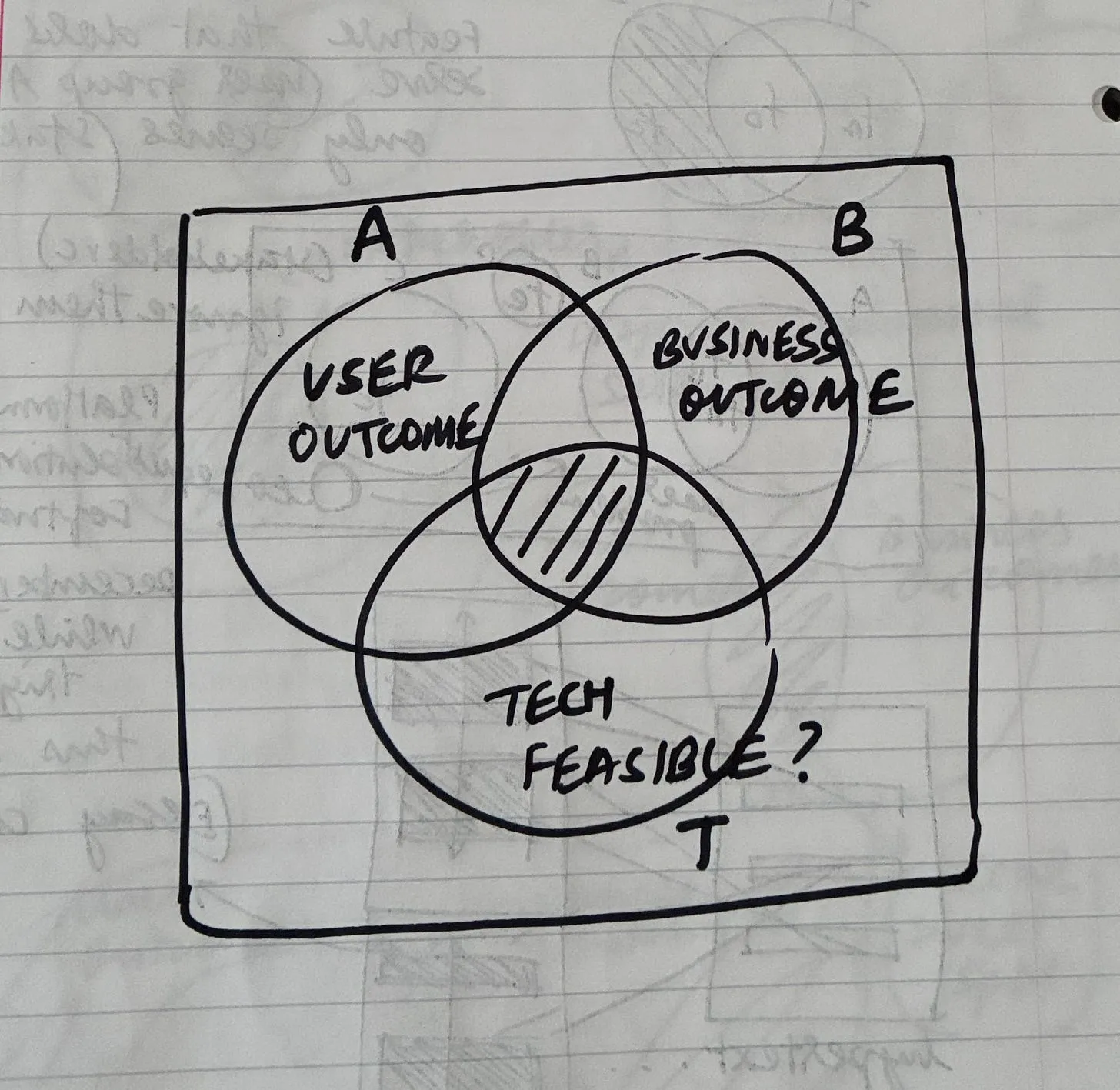
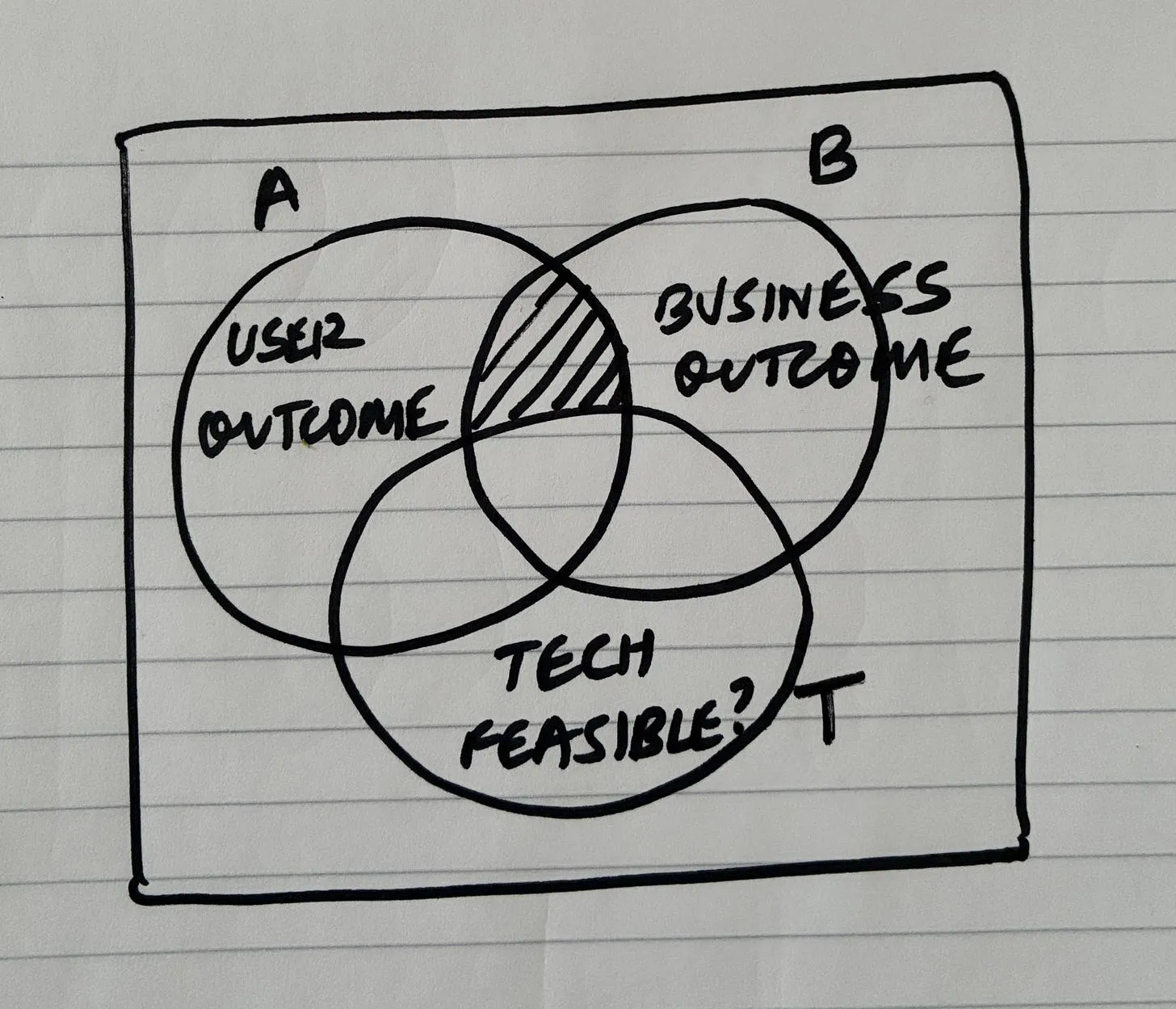
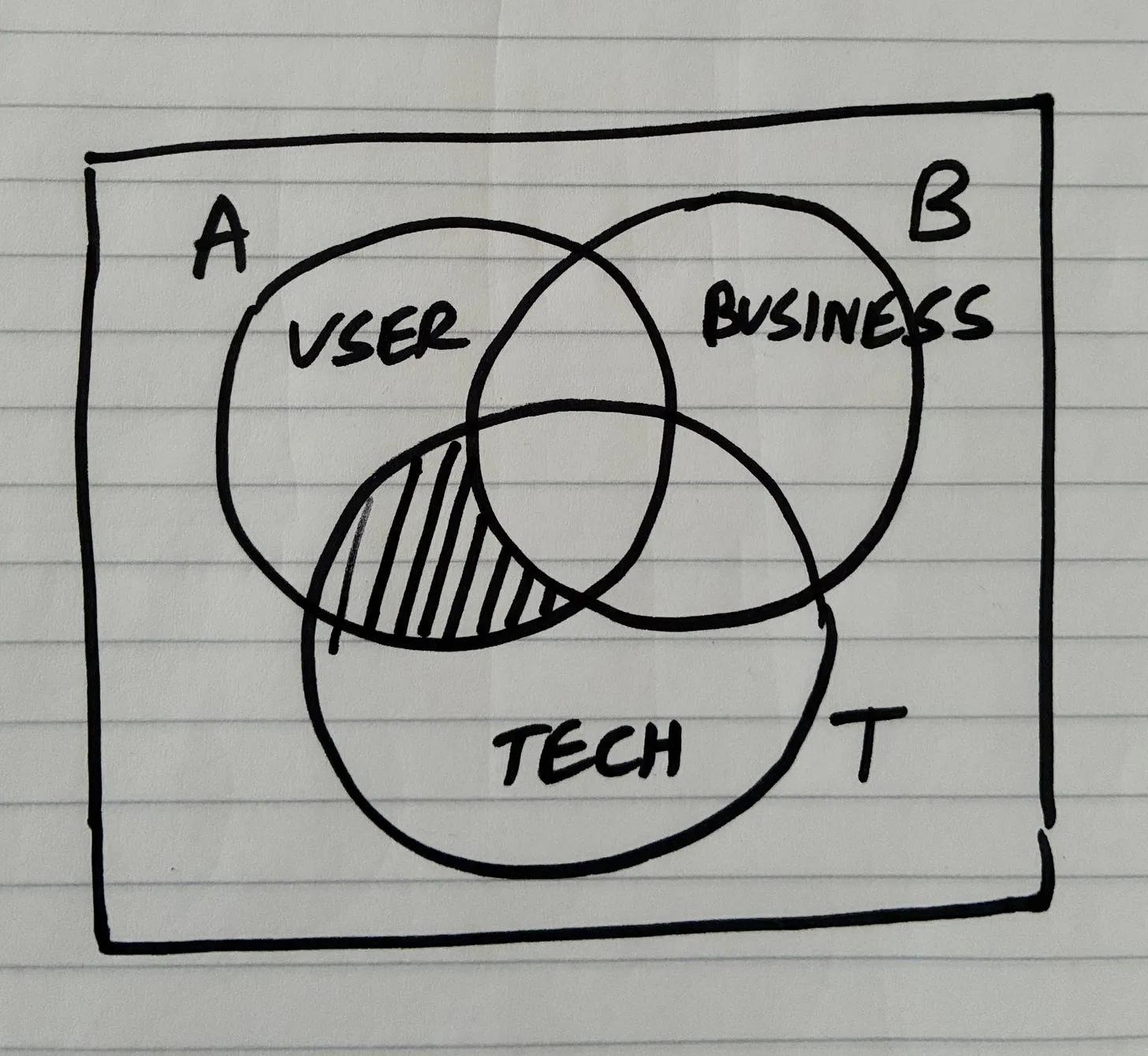
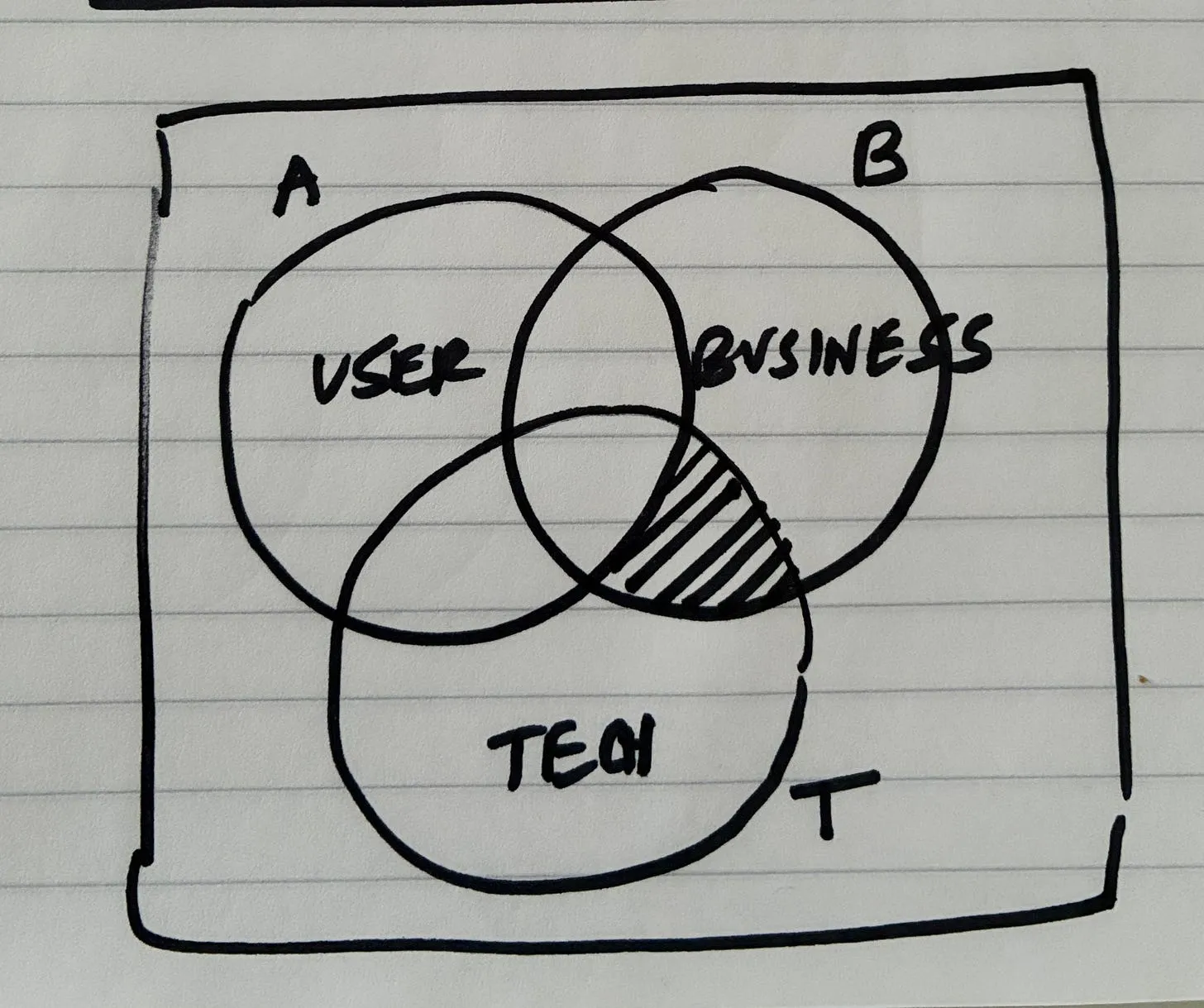
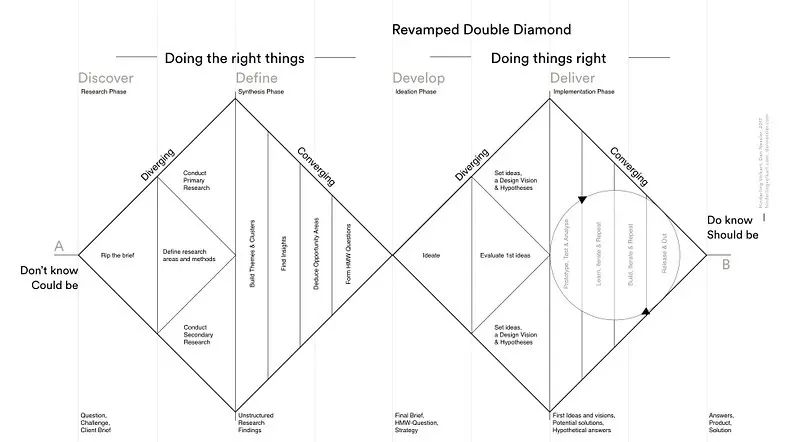
Alongside the conventional software development lifecycle, what has changed here is me incorporating Ryan Singer’s workflow in terms of building shapes, and slices. Long story short, you don’t constrain yourself too much by finalising a “spec.md” and then telling our AI overlords to “go build it!”. That kind of stuff seldom works. Instead what I do is to come up with a few requirements/constraints, and spend more time ‘shaping’ multiple approaches. Let’s say, if you have shape A, shape B and shape C (with some unknowns on how they tie together to create a complete solution), you then spike the unknowns, resolve (or not resolve them) in the process, and come up with the right “shape”.
Once you have a shape, based on the complexity of the shape, which could be as complex as “rewrite Linux in Rust” or as simple as “build a HTML presentation deck”. If things get way way too complex, then you might also have to slice the shape into multiple pieces. Each “slice” is a demoable piece, which means it’s possible for us to feel something and feed useful information back to the agents instead of just ‘TAB, TAB, TAB, CONTINUE, ENTER, TAB, TAB, TAB…’
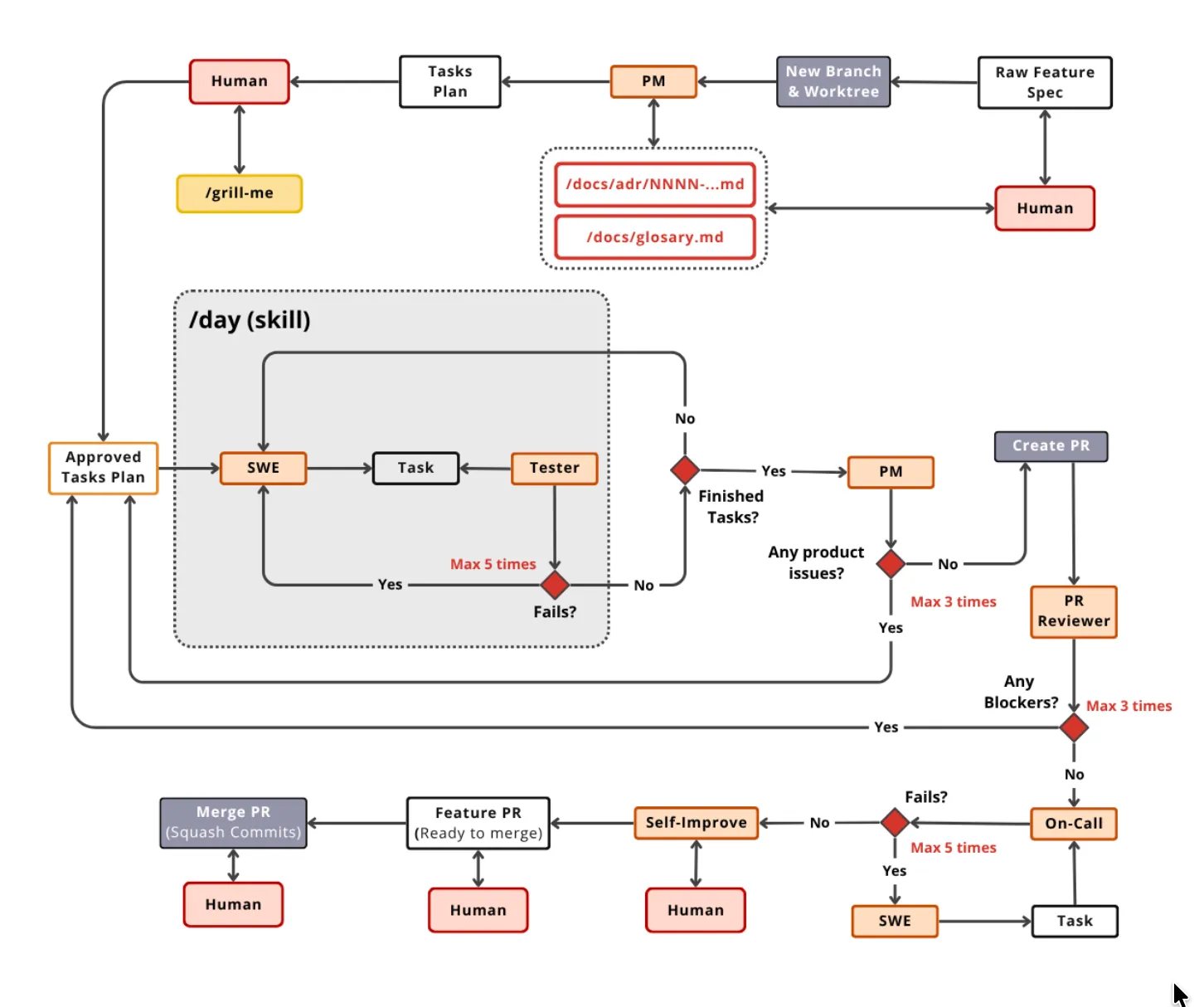
This is a remix, or a fork of the conventional agile development lifecycle, adapted to work better with AI agents, and I have found great results so far, especially since this is more universal go-to process that could work for the entire spectrum of simple to complex/heavy-duty stuff.
Another benefit of breaking them into such slices is to reinforce the need to split a giant agent output into reviewable pieces. You would certainly not be able to review a 15,000 line PR.
To incorporate the Shape Up methodology of Ryan Singer, here is the GitHub repo
If slicing doesn’t work, try steelthreading it..
Imagine standing at the edge of a canyon, needing to cross to the opposite cliff. One option is to construct a bridge, starting with logs, ropes, and foundations—carefully assembling each piece until a complete, safe crossing exists. This is similar to how MVPs are often built: you fully develop a core feature or component (like building an engine) before moving on to other parts, ensuring that the piece you create is robust and ready for future scaling.
In product development, a concept known as the steel thread has gained attention for its focus on creating the most direct yet robust path from concept to functionality. Unlike traditional methods such as building a Minimum Viable Product (MVP), which often prioritize incremental construction and polishing a single component before moving to the full system, the steel thread approach prioritizes end-to-end integration early on, even with minimal implementation.
The steel thread approach, however, takes a different perspective. Instead of starting with a full bridge, you imagine a thin steel thread stretched across the canyon. It represents the simplest, lightest, and most minimal path to achieve an end-to-end connection. The steel thread is strong enough to support essential functionality and demonstrates that all critical integrations work together. Even if the overall experience is barebones, the team can traverse the complete journey from point A to point B, proving that the product can function holistically.
From a product development perspective, this method focuses on building the smallest possible version of the full flow. Rather than fully developing isolated components, the goal is to establish a working skeleton that spans the entire product experience. This allows teams to quickly identify integration challenges, potential bottlenecks, and areas of risk. Once the steel thread is in place, subsequent iterations can enhance, reinforce, and expand it—eventually turning the thread into a fully realized product structure.
By prioritizing end-to-end connectivity over depth in one area, the steel thread approach offers several advantages:
- Rapid validation of system feasibility
- Early identification of integration issues
- Efficient feedback collection on the full user journey
In contrast to building a polished engine first (the MVP approach), the steel thread demonstrates the viability of the whole vehicle—even if, at first, it is only a bare-metal prototype. Teams practicing this method move faster toward functional products and discover critical insights earlier in the development lifecycle.
In short, the steel thread method is about achieving the simplest full journey before committing to deep, complex builds. It highlights the importance of robust integration early, providing a strategic pathway to scale confidently and efficiently.
Ensuring that the design in the design process is coherent and consistent..
My mantra here is to first make it work, then, make it fast, and then, make it delightful.. Form should follow the function. And when I reach this stage where I’m happy with the functionality, and there aren’t much glitchiness to the way it achieves its core function, I move on to the design bit.
Hardik Pandya, in his essay — Expose your design system to LLMs, talks about how LLMs undergo design drift, and why it’s important to feed the design system to the AI coding agents, to make it stop guessing.
To achieve a consistent and coherent way of presenting the interface for my app, I set up a design system if I haven’t already. In case of brownfield apps, I use /design-audit skill, inspired by this essay, to comb through all the patterns it could find and translate it into the right theming. This then becomes a ‘DRY’, where I wouldn’t have to repeat myself to the agents for the 100th time.
You could place this at the root of your project:
Audit this project and make the design system LLM-readable.

Step 1: Audit
Scan every CSS/SCSS file. List every hardcoded visual value:
hex colors, rgb/rgba colors, pixel spacing, raw font sizes,
font weights, border radii, z-index values, box shadows,
and transition durations. Group them by category. Count totals.
Report which files have the most hardcoded values.

Step 2: Token layer
Create a tokens.css file with three layers:
- Layer 1: upstream design system tokens (use existing ones
 if the project already uses a design system, otherwise
 derive sensible primitives from the audit)
- Layer 2: project aliases that reference Layer 1 with
 fallbacks, e.g. --color-text: var(--ds-text, #292A2E)
- Layer 3 is the components themselves — they only ever
 reference Layer 2 aliases, never raw values

Include tokens for: colors (text, background, link, border,
interactive states), spacing (at least 8 steps), typography
(font families, sizes, weights, line heights), border radius,
elevation/shadow, z-index, and motion/transitions.

Step 3: Spec files
Create a specs/ directory. Write structured markdown specs:
- specs/foundations/ — color.md, spacing.md, typography.md,
 radius.md, elevation.md, motion.md
- specs/tokens/ — token-reference.md (master map of every
 CSS variable, its value, and when to use it)
- specs/components/ — one file per major component in the
 project. Each spec follows this template:
 1. Metadata (name, category, status)
 2. Overview (when to use, when not to use)
 3. Anatomy (parts of the component)
 4. Tokens used (which CSS variables it references)
 5. Props/API (if applicable)
 6. States (default, hover, active, focus, disabled, error)
 7. Code example
 8. Cross-references (related components)

Only spec components that actually exist in this project.

Step 4: Audit script
Create scripts/token-audit.js (or .sh) that:
- Scans all CSS files for hardcoded values
- Suggests the correct token for each violation
- Prints file, line number, violation, and suggestion
- Returns exit code 1 if any errors found (CI-ready)
- Distinguishes errors (hardcoded colors, spacing) from
 warnings (raw durations, uncommon values)

Step 5: Replace hardcoded values
Go through every CSS file and replace hardcoded values with
the tokens from Step 2. Every color:, background:, padding:,
margin:, gap:, border-radius:, font-size:, font-weight:,
box-shadow:, z-index:, and transition: should reference a
var(--token). No raw values should remain.

Step 6: Project instructions
Add a section to the project's AI instruction file (CLAUDE.md,
.cursorrules, or equivalent) that says:
"Before writing or modifying any UI code, read the relevant
spec file in specs/. Use only tokens from tokens.css. Run the
token audit script before committing. Zero errors required."

Run the audit script at the end and confirm zero violations.
It also happens that AI still makes a lot of common mistakes on spacing, typography, hierarchy, etc., which a very keen design engineer who is trained for that eye can spot, I use /design-type for such tweaks that get repeated.
This is the current list of design specific skills I use, and you could remix or fork them by clicking here.
| | |
|---|
design-audit | Produce a comprehensive UI audit across accessibility, performance, responsiveness, theming, and UX quality. | |
design-bold | Make safe or boring designs more visually striking. | |
design-color | Add strategic color to monochromatic or visually flat interfaces. | |
design-critique | Evaluate a design’s product and UX effectiveness. | |
design-delight | Add personality, joy, micro-moments, and memorable touches to interfaces. | |
design-distill | Simplify designs by removing unnecessary complexity. | |
design-extract | Extract reusable components, tokens, and design patterns into a system. | |
design-layout | Improve spacing, rhythm, composition, and hierarchy. | |
design-minimal | Create clean editorial minimalism with restrained warm monochrome styling. | |
design-motion | Add purposeful animations and micro-interactions. | |
design-normalize | Align a feature with an existing design system and component language. | |
design-polish | Perform final pre-ship UI refinement. | |
design-premium | Create expensive, cinematic, agency-crafted interfaces. | |
design-quiet | Tone down overly aggressive or loud visual designs. | |
design-responsive | Adapt designs across screen sizes, devices, and contexts. | |
design-systematic | Build stricter frontend design systems and measurable UI implementation rules. | |
design-type | Improve typography, font hierarchy, sizing, weight, and readability. | |
design-ui | Create distinctive production-grade frontend interfaces from scratch or through major redesign. | |
| You could download my total list of skills here: https://github.com/shreyas-makes/agent-skills | | |
Ensuring the code generated is clear, and reviewed
If you have read the theory of constraints, you would know that a bottleneck is never completely eliminated, it just shifts from one place to the other. Previously we had the bottleneck in terms of generating or writing code, that was a bottleneck. But then once the coding agents were able to like solve that bottleneck, the bottleneck just shifted to code review. Which makes the need for having better tools to support code review, even more important.
There is even an argument floating around in the internet that there is a cost to accelerating the code throughput without reviewing the code properly, leading to complex failures which are harder to resolve, by AI agents, as well as by human engineers. But for which I would say that the only metric that matters are the number of decisions that could be taken per day. At normal velocity, a team might make one or two decisions per week, but at 10x velocity, you see them making multiple a day. The usual bottlenecks where you’re waiting for a slack response, or for scheduling a quick sync later, no longer exist.
I’ve previously used the /review tool available in most coding agents, and yet, the fundamental question which I still don’t have answer to is: if the language models need a separate tool for code review, why can’t it just stitch the review loop onto the code generation? Currently, I’m a bit skeptical about code review, and think this would eventually be a part of the code-generation loop.
Right now, after a major feature update, I try to ask the agent its plan before it writes any code (so that I could perform some pre-emptive strikes), and ask it in plain English what it has written. In a previous note on this topic, I write about how the top layer and bottom layer should still be done by humans, leaving the middle layer for the AI agents:
The AI sandwich technique outlines a structured approach where humans and AI agents collaborate effectively.
In this model, the top layer involves human input, where goals and instructions are clearly defined by humans. This ensures that the desired outcomes are aligned with human intentions. The middle layer is where AI agents take over, handling the orchestration, execution, and processing tasks. This allows for efficient and automated handling of complex operations. Finally, the bottom layer involves human evaluation, where the output is assessed based on subjective human taste and feedback. This ensures that the final result meets human standards and expectations.
Think of the end game polishing done by humans, akin to how pilots and co-pilots still have the final call on the airliner they’re operating in, despite all the automations at place that could technically automate the role of the pilot, but not in principle.
A concept which I recently became aware of is that of a backpressure. It’s described as a pressure which arises from failed builds/tests that pushes the model loop to improve output.
Templatize everything that needs templatizing
If I have already built the feature successfully somewhere else in a different project, I cross-reference that successful implementation to the AI agents for helping diagnose what’s wrong.
I’ve already mentioned my way of planning a feature. I cross-reference projects all the time, esp if I know that I already solved sth somewhere else, I ask codex to look in../project-folder and that’s usually enough for it to infer from context where to look. This is extremely useful to save on prompts. I can just write “look at../vibetunnel and do the same for Sparkle changelogs”, because it’s already solved there and with a 99% guarantee it’ll correctly copy things over and adapt to the new project. That’s how I scaffold new projects as well.
I started templatizing patterns across projects because I was spending too much energy repeating setup decisions in every new repo: how to plan work, how to enforce coding preferences, how to deploy etc. The core idea is simple: separate reusable workflow rules from project-specific code. That gives me a stable operating layer across all work in ~/Projects, while still letting each project keep its own context.
Instead of reinventing process every time, I reuse a consistent scaffold and only customize where the stack or business logic actually differs.
The agent-scripts model came from studying Peter Steinberger’s setup and adapting the parts that matched my own way of working. I kept the structure but changed the intent: a global rules file for hard constraints, stack-specific profiles for Rails Inertia vs Next.js vs Tauri behavior, and command-like prompts for recurring actions such as build, review, research, and ship.
1) Folder/System View
/Users/shreyas/Desktop/Projects/
|
+-- agent-scripts/                    <-- YOUR canonical workflow system
|   |
|   +-- AGENTS.md                     <-- global rules (always-on behavior)
|   +-- stack-profiles/
|   |   +-- rails-inertia.md          <-- stack-specific rules
|   |   +-- nextjs.md
|   |   `-- tauri.md
|   +-- prompts/
|   |   +-- build-feature.md          <-- reusable command templates
|   |   +-- review.md
|   |   +-- research.md
|   |   +-- ship.md
|   |   `-- inspire.md
|   `-- skills/
|       +-- build-feature/SKILL.md    <-- execution workflow skills
|       +-- review/SKILL.md
|       +-- ship/SKILL.md
|       `-- inspiration/SKILL.md
|
+-- my-saas-app/                      <-- your real project
+-- next-app/                         <-- your real project
+-- tauri-tool/                       <-- your real project
`-- others/                           <-- external repos, reference only
    +-- cool-ui-repo/
    `-- random-oss/
In my day-to-day workflow, it looks like this: I open a repo, trigger /build-feature, get a short plan, and then let the agent execute within the detected stack profile. If I get stuck, I run /inspire, which inspects relevant repos under ~/Projects/others and returns transferable patterns without copying code. Once implementation is stable, I run /review for risk-first feedback, and only invoke /ship when I explicitly want release actions.
While inspiration-seeking, I also identify some starred GitHub repos that can hold some clues and examples that could be applied to the current problem at hand.. when that happens, I clone that repo into the Projects/others/ folder and then chat with the repo with a prompt that looks somewhat like this:
read the code for this repo and write a markdown doc telling me everything you can infer or know with certainty about the high-level intent and idea behind this repo ask me questions for anything that isn't clear then pop open the doc for me to review and answer the goal here is to make sure my intent is obvious to any agent reading this code
Closing thoughts
I just want to close by saying that purely spec-driven development, where you make a “perfect” spec to send it to the agents on a ralph loop is not going to work. These are for the same reasons why we have moved away from waterfall to agile, they are still the same reasons. We sometimes revert our earlier decisions, cross over or even contradict what we might have said earlier, as every new iteration of the product is a learning for us, and new facts could evolve.
One thing that’s clear from this exercise of writing this essay is that software has started transitioning from a software development lifecycle, to a “context development lifecycle”, aka CDLC. SDLC, is now being offloaded to agents, with utmost trust, where engineers are now involved in maintenance of context, which constantly gets updated over time, and needs a human owner for its reliability.